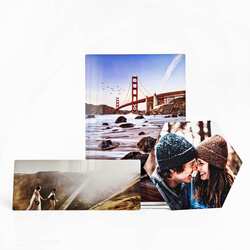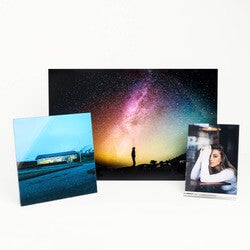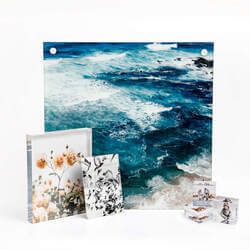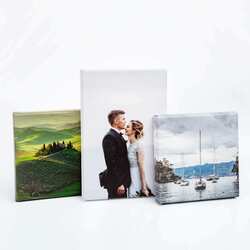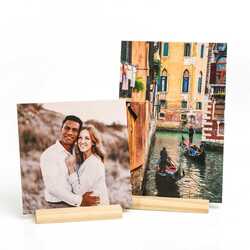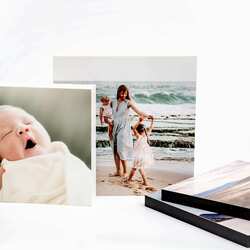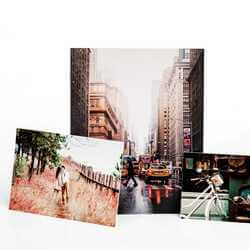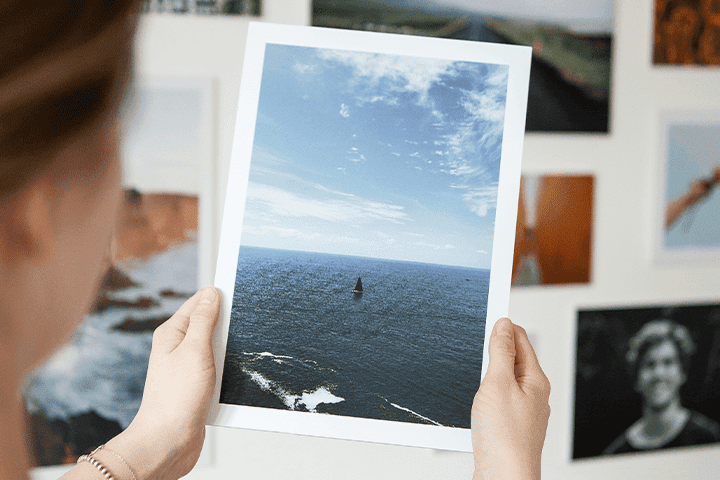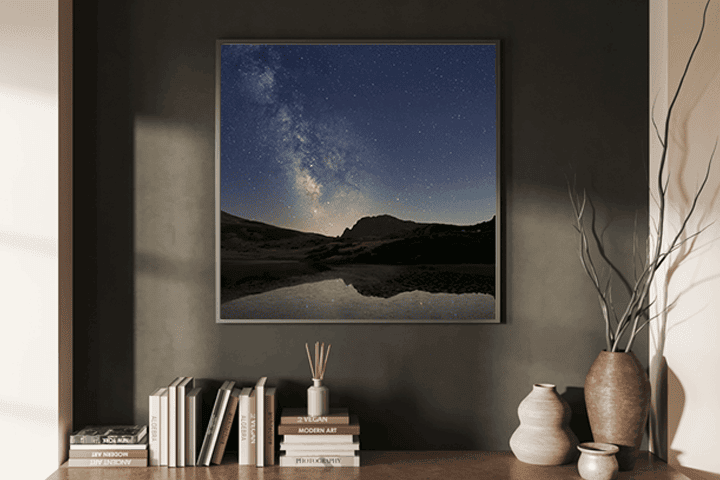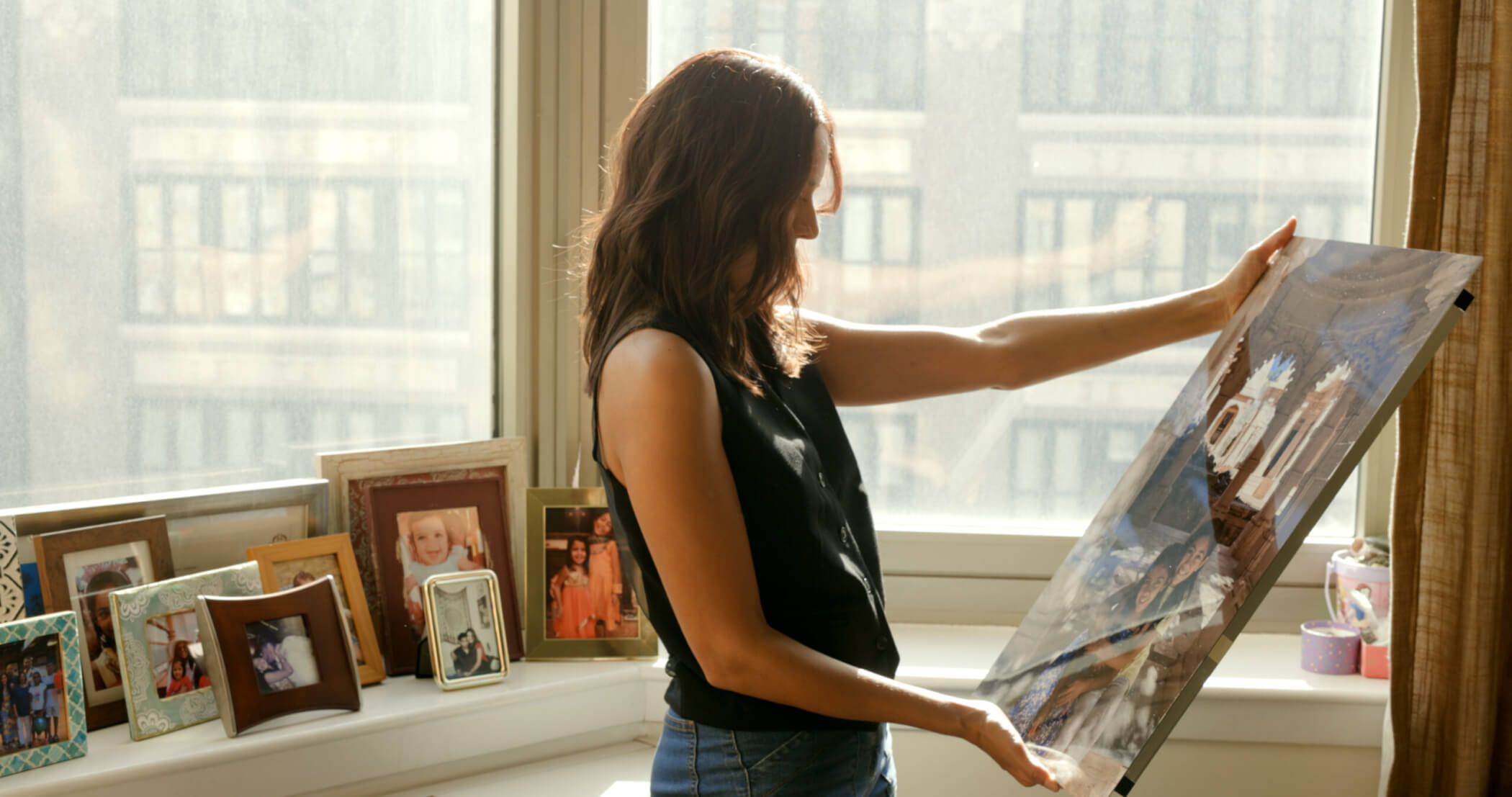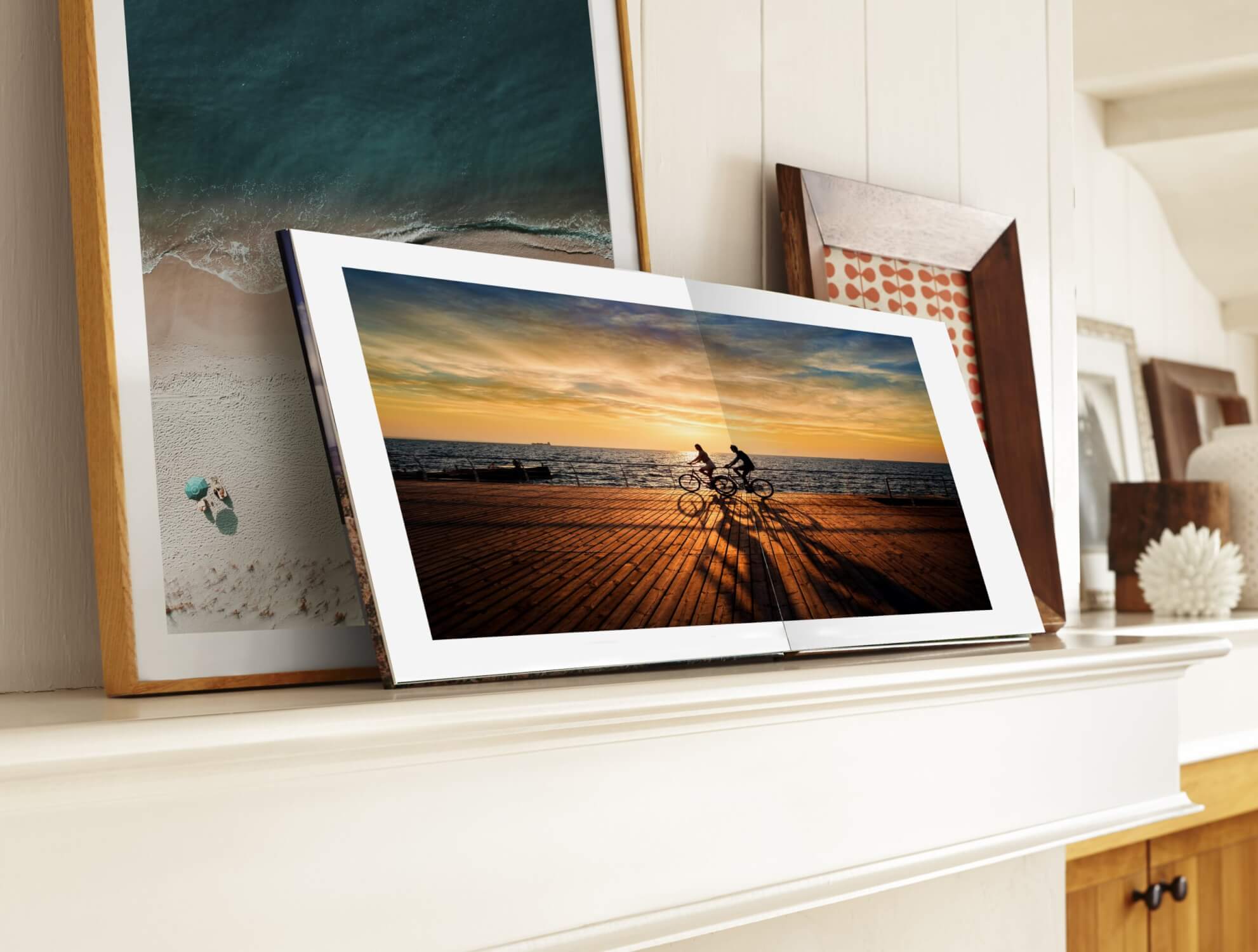
We wanted to take some time to thank all of our members who have ordered our new Aluminyzed Metal Prints. We just started to offer these in June and they have already become one of our most successful products that we offer.
Together with the launch and the very popular sale of 40% off on Metal Print, members exceeded our wildest imaginations on sales.
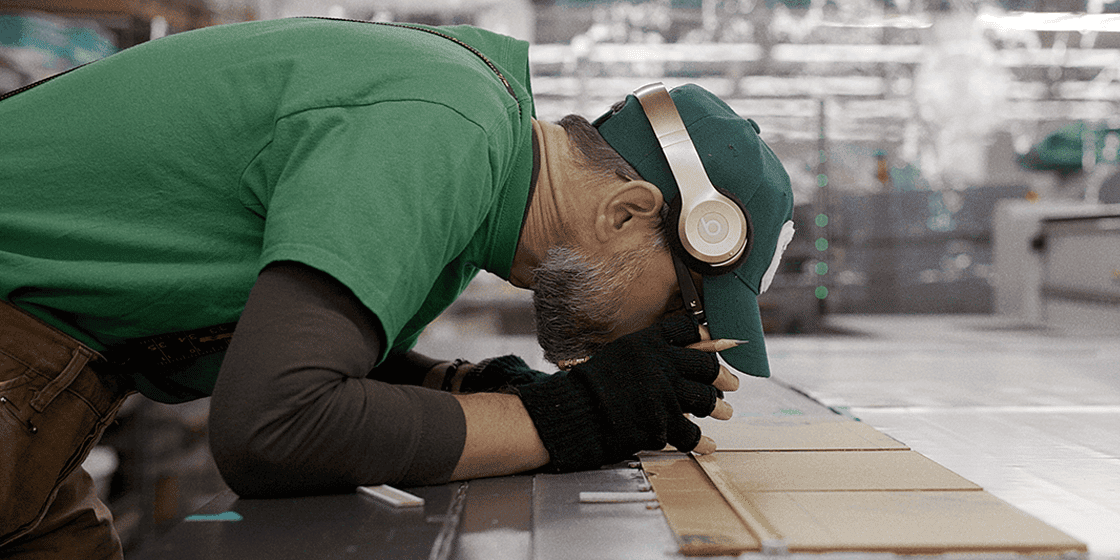
With any new product we offer, we have some growing pains. With our Aluminyzed Metal Prints, our growing pains included trying to fulfill all of our members’ orders. Generally, it takes about 3 days in house to produce an Aluminyzed Metal Print. However, some members have been waiting longer than this and we sincerely apologize. We are taking steps in house to see how we can better handle this in the future. One way is add this product to our in-house time generator that you see on the side of your account, so you can see first what the current wait time for your product will be. We are currently, working around the clock to finish your orders and will be caught up by the early part of this week. Please feel free to contact me at libby@adoramapix in the meantime if you have any other questions. Again, thank you for your business and our sincerest apologies.
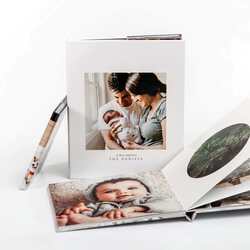
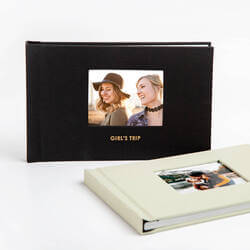
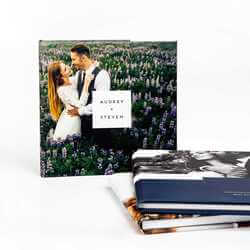
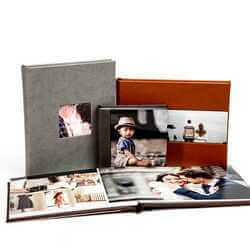
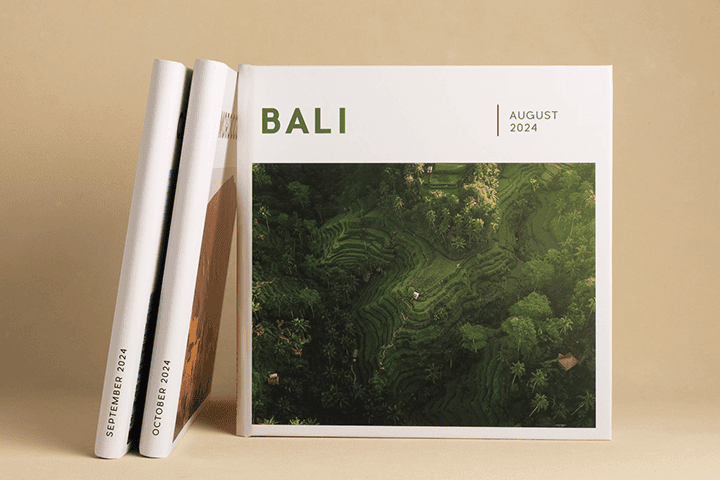
You can now save on our popular 10×10 photo books! Now through July 31st, 2012 you can save 40%. Simply enter code:
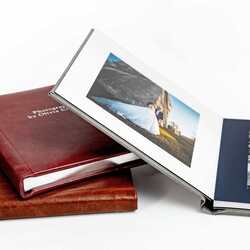
PXEXQ40 for our hard cover photo books or code: PXEXQ40L for our Leather Lux photo books. Get those pictures off your hard drive and into a beautiful photo book.
Happy 4th of July! We want to celebrate by giving you 40% off our amazing aluminyzed metal prints. Now through July 25 , you can save 40% off any size. Code:Pxmetal40. Go HERE to start your order! Enjoy!
What’s loud and spectacular and occurs every year at the same time in the United States? That’s right Fireworks! Ever since I was a child, I could not wait to get everything ready to view the fireworks. I still have not lost that child-like fascination with fireworks. I have photographed them ever since I was a kid, sometimes it worked other times it did not. I’m a little bit wiser and a little bit more prepared, but I thought it was a great idea to have someone share their quick tips with us on shooting fireworks.
Meet Jay Caruso of Caruso Photography. Jay has been making pictures since the days of film in the early 90′s starting with his first SLR camera, a Canon T-60. Now armed with Nikon digital equipment, Jay still enjoys shooting what he did in 1993 – portraits, events and landscapes. When he’s not shooting, he’s doing business consulting and spending time with his wife and his teenage son and daughter.
Here are Jay’s five quick tips.
1. Get a tripod or some other kind of stabilization. This is a must as these will be long exposures. The tripod is the easiest solution as it is portable and allows you to set up where you want. If you do not have access to a tripod, you can steady the camera on the roof of your car or on a railing.
2. Switch to manual focus. Your autofocus mechanism won’t work here. Switch to manual, focus to infinity and use a high aperture (f16-f22) as the increased depth will give you sharper images.
3. Use the self timer. Just because you have your camera on a tripod or stabilized in some other way, doesn’t mean it won’t move when you press the shutter button.
4. Use low ISO and long exposures. Get the ISO down to 200 (or 100 if you can). Choose exposure times between 10-30 seconds. A lot will depend upon the size of the show you are capturing. If you’re shooting the Macy’s fireworks display in NYC, then a 30 second exposure could fill the frame with way too much light. However, at a smaller show, a 10 second exposure may leave you with little in the way of bursts. You’ll have to get a few shots to find that sweet spot.
Thank you Jay for sharing your tips with us. If you would like to see more Jay’s work , please feel free to check out his work HERE.
The Senior begs her parents to hire you for your creativity. However, the parents are not impressed with creative and just want traditional photographs. Andrea shows us how you,the photographer, can balance both wants and needs and end up with a happy Senior and happy parents. Andrea shares with us the secret formula that always sells.
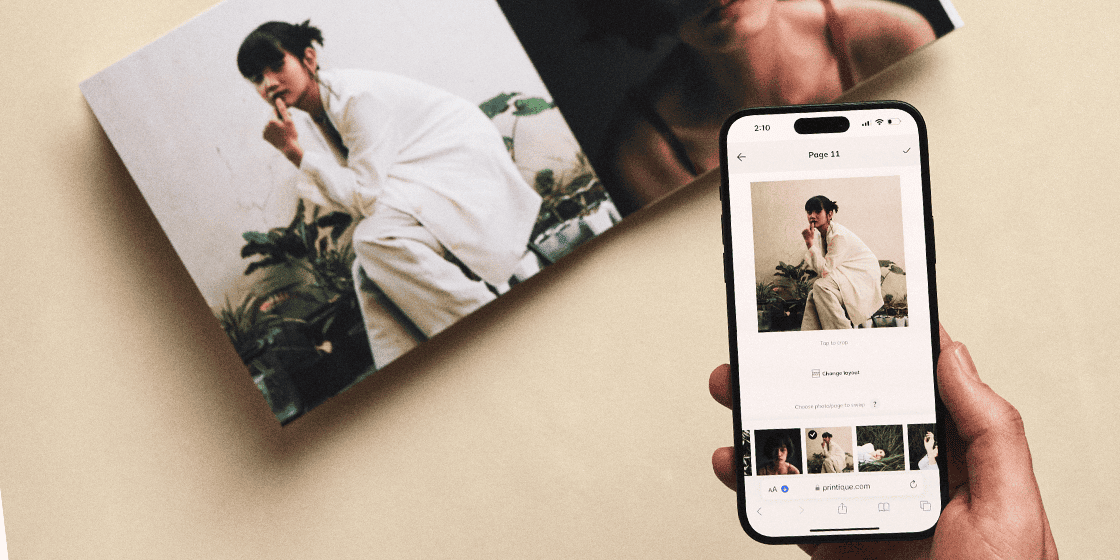
Our FREE PixPublisher software can be used by amateurs and professionals alike to create stunning photo books that showcase your pictures beautifully. During this beginner level class we help you get started with PixPublisher by showing you how to create a book from start to finish.
This intermediate level workshop assumes attendees know the basics of our PixPublisher tool and have built at least a few books using it. During this workshop we will discuss more advanced techniques that can help to improve the quality of your photo books.
No matter your skill level, everyone has questions at one time or another. These open sessions are provided so AdoramaPix customers can ask any questions regarding PixPublisher or AdoramaPix photo books. If you’re wondering how to do something, let a live instructor show you how.
As graduation time approaches there is increasing demand for creating photo books that record this important time in the lives of young men and women. We’ll show you some of the great templates we have available as well as art resources and techniques that will help you make amazing seniors books.